Edit Test Plan
Note
Permission required: You must have the Test Plan Edit and Archive permission to edit the test plan.
Inline Editing of a Test Plan
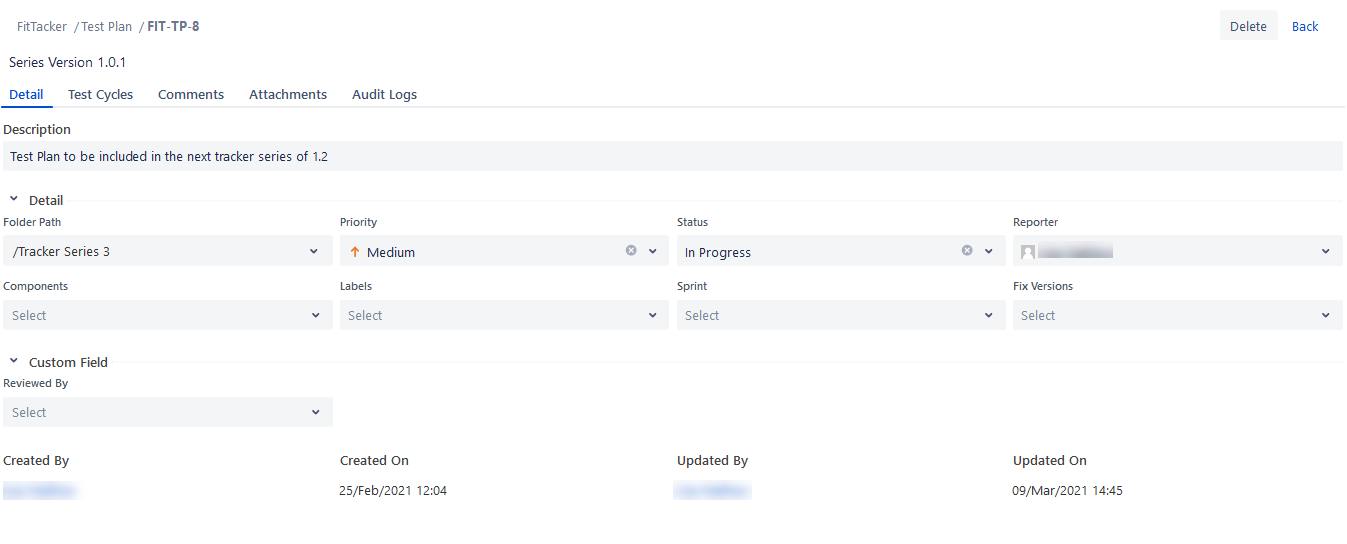
You can edit Test Plan details in line.
Perform the following steps to inline edit a test plan:
Go to the test plan you want to edit.
Click the tab you want to edit the details of and edit the details. You can rearrange the tabs as per your preference.
Edit a Test Plan from Test Plan List View
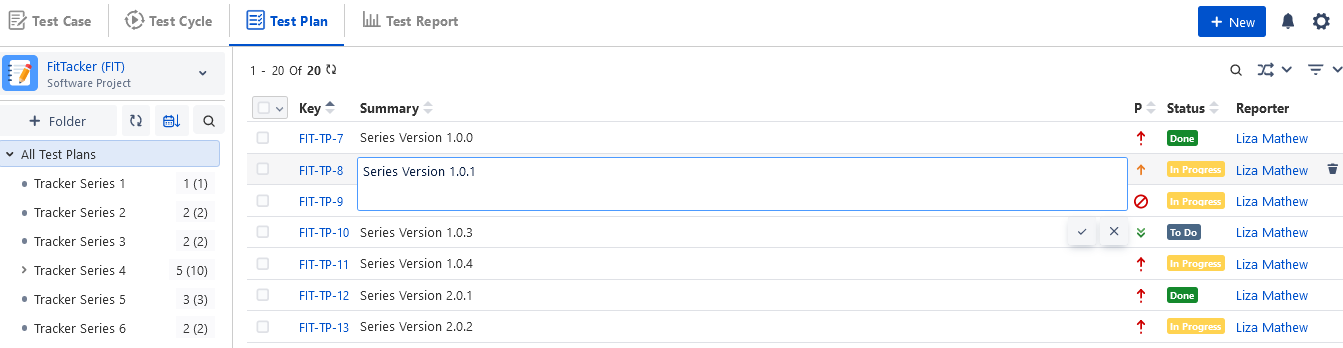
You can edit the Test Plan summary from the Test Plan list view. It helps you to edit a summary without navigating to the Test Plan edit page.
Edit Test Plan Summary: Go to the Test Plan list view and click the Test Plan summary that the user wants to edit. The field appears in editable mode. Make the required changes and save.