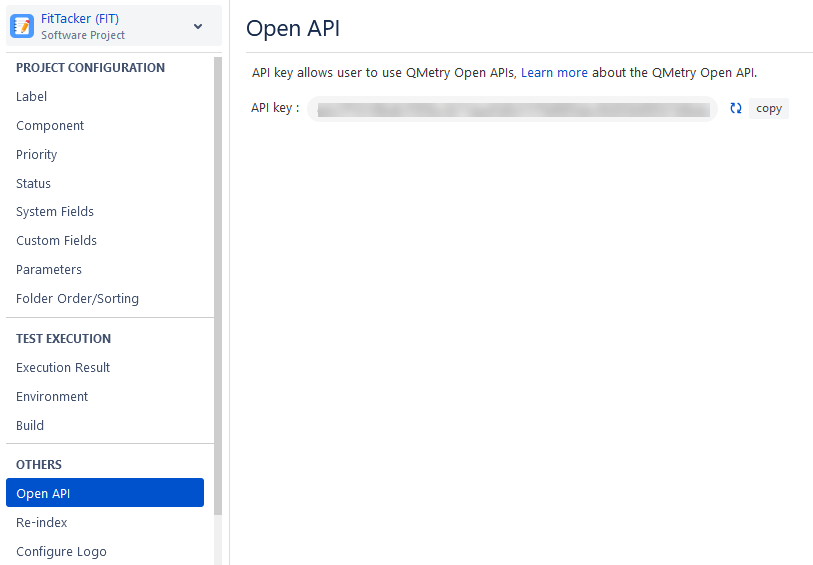
Open API Key
An Open API key is used for authentication while using QMetry Open API. Please note that this API key is different than the API key of the Automation API.
Generate API key
Perform the following steps to generate an API key:
Go to the QMetry menu, select Configuration, and select your project.
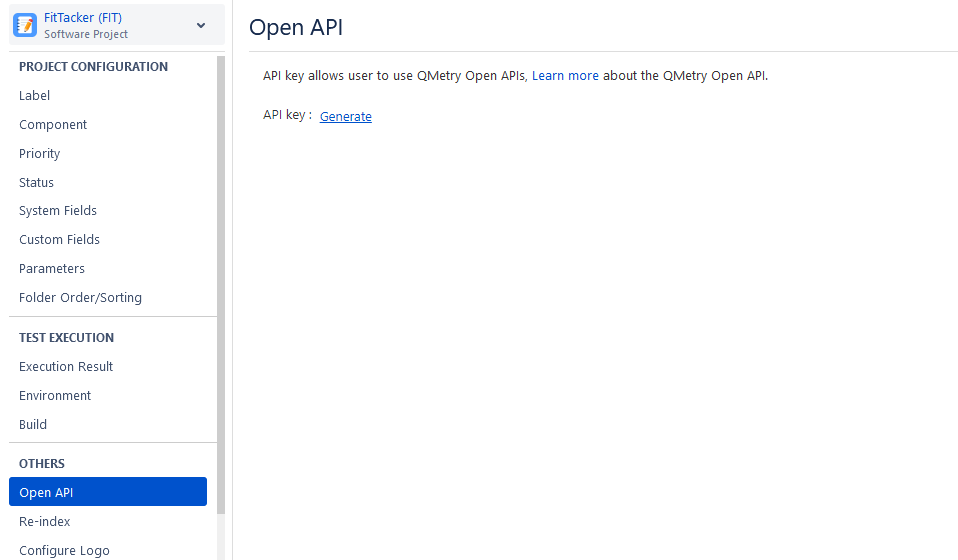
Click the Open API section.
Generate the API key.
Copy the generated API key and use it while executing Open API.