Execution of Parameters and Parameter Values
Before executing parameters along with parameter values in your space, refer to the following pages to understand:
Execute Parameterized Test Cases
Perform the following steps to execute parameterized test cases:
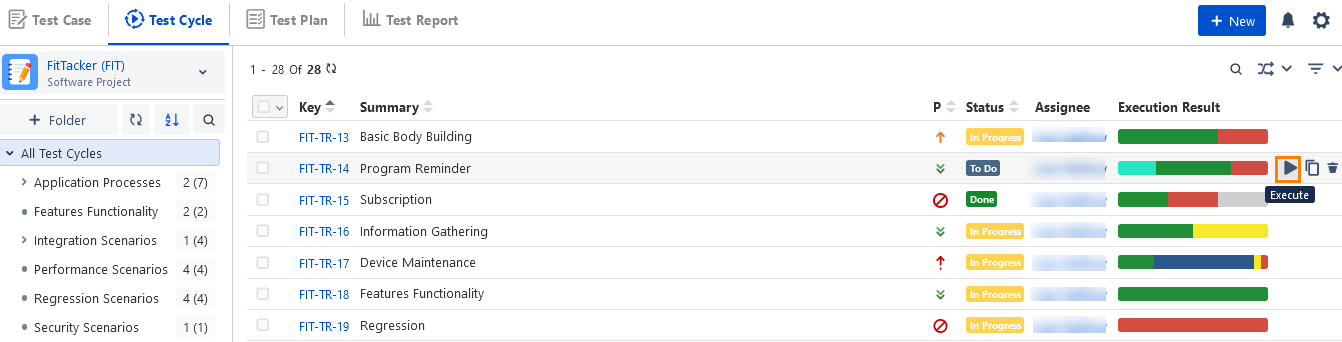
Once the test case with parameters is ready, go to Test Cycle and link that test case with a test cycle.
Hover over the test cycle record, the Execute icon becomes visible.
Click the Execute icon to navigate to the Test Execution Screen to run the test and record the status.
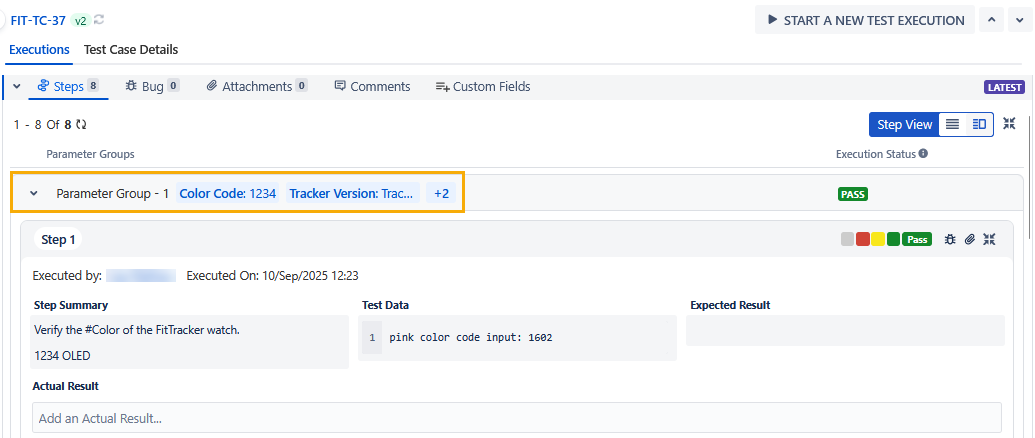
You can view Parameter Groups details on the Steps tab of the Test Execution Screen for both List View and Grid View. The Steps tab provides an overview of multiple parameter group combinations and their values.
When you enable the Auto Update Execution Result setting in the Execution Result section of Configuration, the system displays the consolidated execution status at the parameter group combination level.
The Execution Status column allows you to quickly identify which combinations have the status of Passed, Failed, or remain unexecuted. It becomes easier for you to determine the test results and the status of each parameter group combination.
Each Parameter Group includes test steps under it. You can execute the test steps under individual Parameter Groups on the screen.
Any change in the execution result of a test step also impacts the execution result of its parameter group combination if the Auto Update Execution Result setting is enabled.
Sync Steps
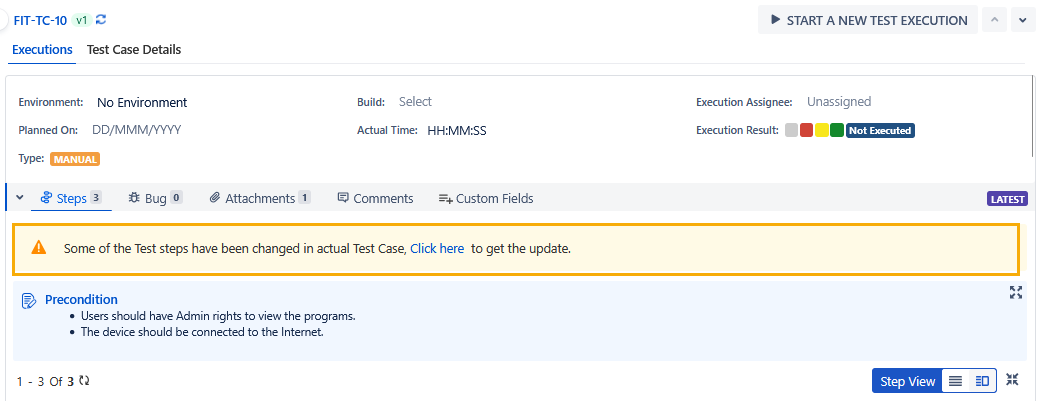
If steps are updated in the test case, then the link to sync steps will be visible on the execution screen. Click the provided link to get the updated content of the steps.