QMetry Charts Macro
Confluence users can integrate QMetry reports into their pages using the QMetry Chart macro. The macro enables users to visualize and analyze testing data with flexible display options, including Bar, Pie, Line, and Tabular views.
By adding the macro to a Confluence page, users can generate dynamic, live reports based on Saved Filters in QTM4J. This provides quick access to key testing metrics directly in Confluence.
Insert QMetry Charts Macro
You can integrate the QMetry macro through the following ways:
(A) Macro menu on the toolbar
Click the macro drop-down list on the Confluence toolbar and select Other macros.
The Select macro dialog appears.
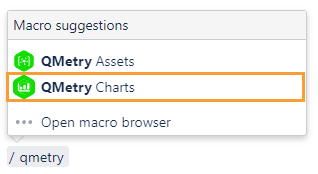
Search for “QMetry”. You can see the QMetry Assets and QMetry Charts macros on the screen.
Click the QMetry Charts macro to insert QMetry Assets into Confluence.
(B) Insert a macro in a page using the / menu
On the Confluence page, just type /QMetry to prompt the QMetry macros.
Click the QMetry Charts macro to insert it on the page.
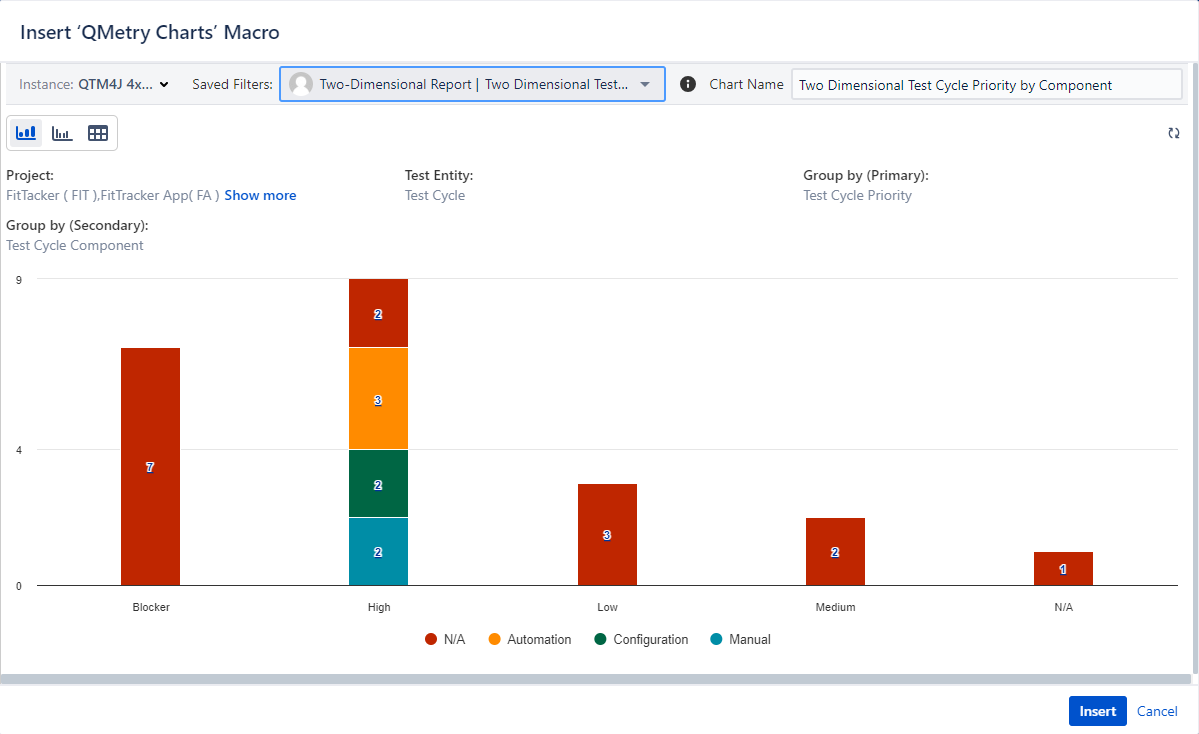
The Insert QMetry Charts dialog appears.
Instance: Open the drop-down list and select the required QTM4J DC instance.
Saved Filters: The drop-down list shows all the filters to which the users have access. The reports are dynamic by nature and accommodate any change in the filters.
Chart Name: Give the preferred name to the chart to display on the Confluence page. This is other than the filter name.
The system displays the chart as per the filter you saved in the QTM4J application.
The first part of the filter name indicates the report name, and the second part indicates the filter name of the report.
You can view multiple charts as per the report type.
Preview the generated chart.
Click Insert to insert the chart onto the Confluence page.
Once the chart is inserted on the page, you can drill down into the chart further and export the data.
To fetch the latest data into the existing graph, click the Refresh icon on the chart.
You can drill down into the chart and export the details to Xlsx.
To download the Excel, go to the Notification section of the QTM4J application.
Edit QMetry Charts Macro
You can edit the filter associated with the existing chart and generate a new chart.
Perform the following steps to edit QMetry Chart Macro:
In Confluence, open the page in edit mode.
Click the generated QMetry Chart.
You can view the options for Edit and Remove.
Click Edit to modify the report generation criteria.
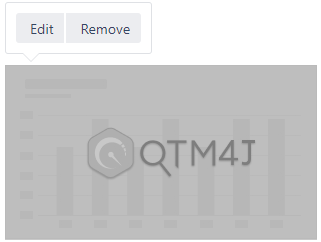
The Edit QMetry Charts pane appears.
To generate another report, select the filter accordingly and click Save.
Note
The “QMetry Charts” macro displays all the “Public (Shared with My Org, Group)” or “Private” Report gadget filters as per the logged-in user’s permissions to view QTM4J report filters.
If the criteria of the Saved Filter are changed in the Reports module, the changes will be reflected in the QMetry Charts macro when the Confluence page is refreshed.
Export QMetry Charts
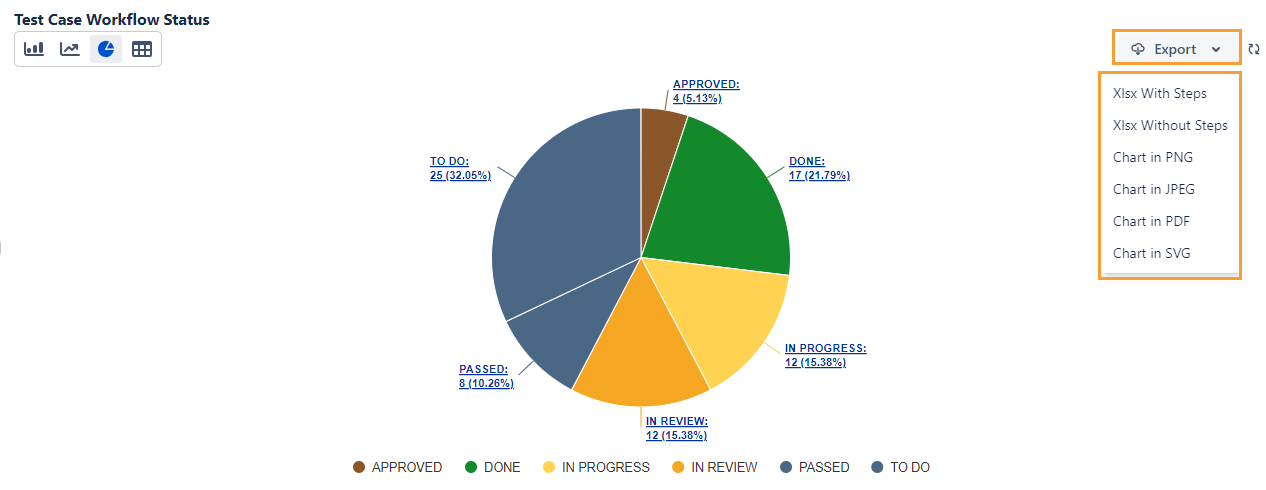
You can export the chart from within the QMetry Charts macro. Once you generate the chart in the macro, click the Export drop-down list and select the option to export the chart data.
You can export the Tabular View in the following formats:
Xlsx with Steps, Xlsx without Steps, CSV with Tabular Summary
You can export the Bar chart, Line chart, and Pie chart in the following formats:
Xlsx with Steps, Xlsx without Steps, Chart in PNG, Chart in JPEG, Chart in PDF, Chart in SVG
Limitation
Currently, the “Export to Word and PDF” Confluence feature is not supported for the QMetry Charts macro.