QMetry Open API
Starting version 4.13, the Open API documentation for QTM4J Server/DC has been migrated from Apiary to Swagger following Apiary’s End of Life (EOL) announcement for their platform. Please refer to the QMetry REST API Swagger portal for the latest and updated specifications.
The document provides all the details a developer needs for each supported API call, along with code samples. The Headers, Body, and Response provided here are for your reference only. You can use tools like Postman to try these APIs.
Overview of QMetry for Jira Open API Documentation
Go to the QMetry REST API to view and try all APIs.
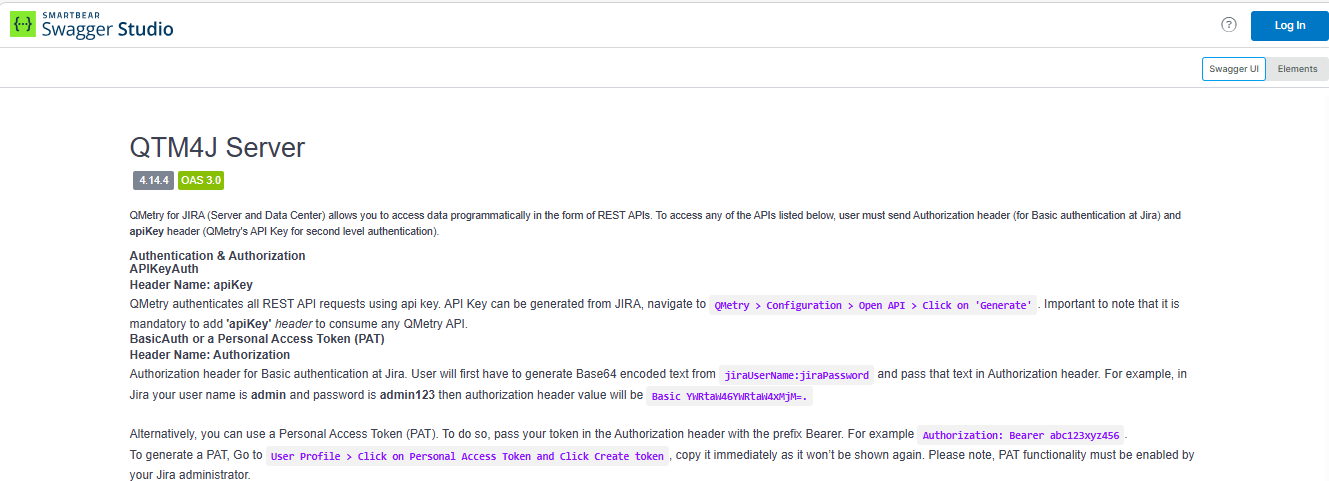
The benefit of using the QMetry API tool is -
Headers and Parameters are predefined; you just have to give the API key and trigger the testing.
Authentication
The Open API needs the following two parameters for authentication.
(1) APIKeyAuth:
Perform the following steps to generate the Open API key:
Expand the QMetry menu and select Configuration.
Select Open API on the navigation bar.
(2) The authentication depends upon the settings of basic authentication in Jira (Settings > System > Authentication Methods > Allow basic authentication on API calls). Administrators can enable or disable basic authentication.
Option 1: If the Allow basic authentication on API calls option is enabled in Jira, then BasicAuth is required for authentication.
BasicAuth: Authorization (Basic authentication with Jira's credentials)
The Automation REST API is safeguarded by the constraints enforced by Jira. You need to log in to Jira using the Basic Auth header.
Perform the following steps to generate basic Auth and pass it to the request header:
Build a string of the form username:password
Encode the string in Base64 format.
Supply an "Authorization" header with the content "Basic" followed by the encoded string. For example, the string "fred:fred" encodes to "ZnJlZDpmcmVk" in base64, so make the request as follows.
Authorization:
Basic ZnJlZDpmcmVk
Option 2: If the Allow basic authentication on API calls option is disabled in Jira, then a Personal Access Token is required for authentication.
Bearer Token: Authorization (Personal Access Token)
This Automation REST API is protected by the restrictions provided by Jira. You need to use the Bearer Token header to call the REST APIs.
To use the personal access token, perform the following steps:
Go to User Profile.
Click Personal Access Tokens and click Create token.
Supply an "Authorization" header with the content "Bearer" followed by the generated token.
Authorization:
Bearer NTE1NTYzMTg4MDEzOit5OlIjghTQQEH/YZ7HNrpSxvcU
Grouping of APIs
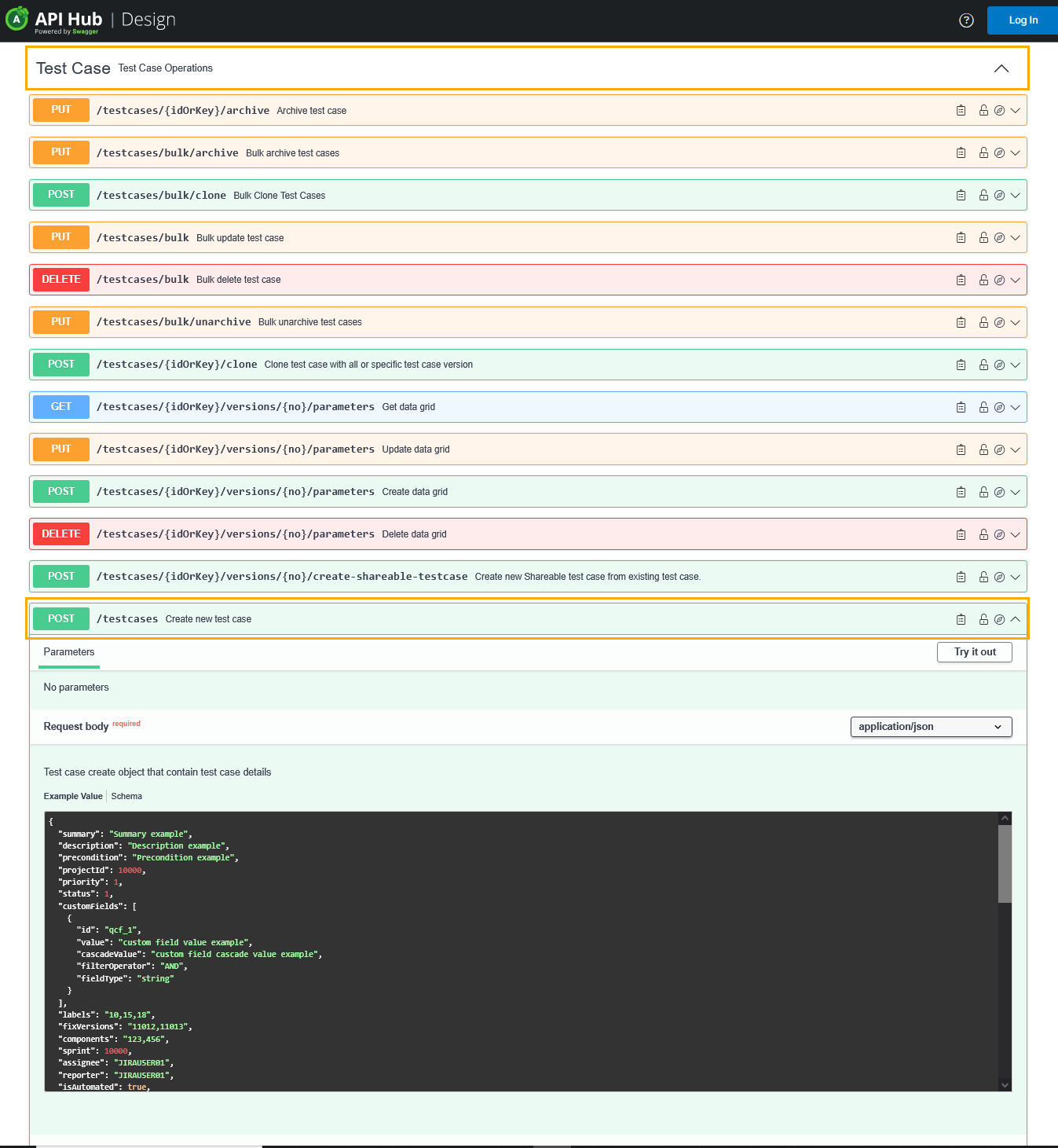
You can see the groups of APIs listed on the screen. Just expand the section you want to view and use the APIs in it. The section is expanded, showing APIs under it.
To access an example of a particular API, click it.
For example,
You want to use the API of Create new Test Case.
Expand the Test Case API group.
Expand the Create New Test Case API.
It displays relevant examples.