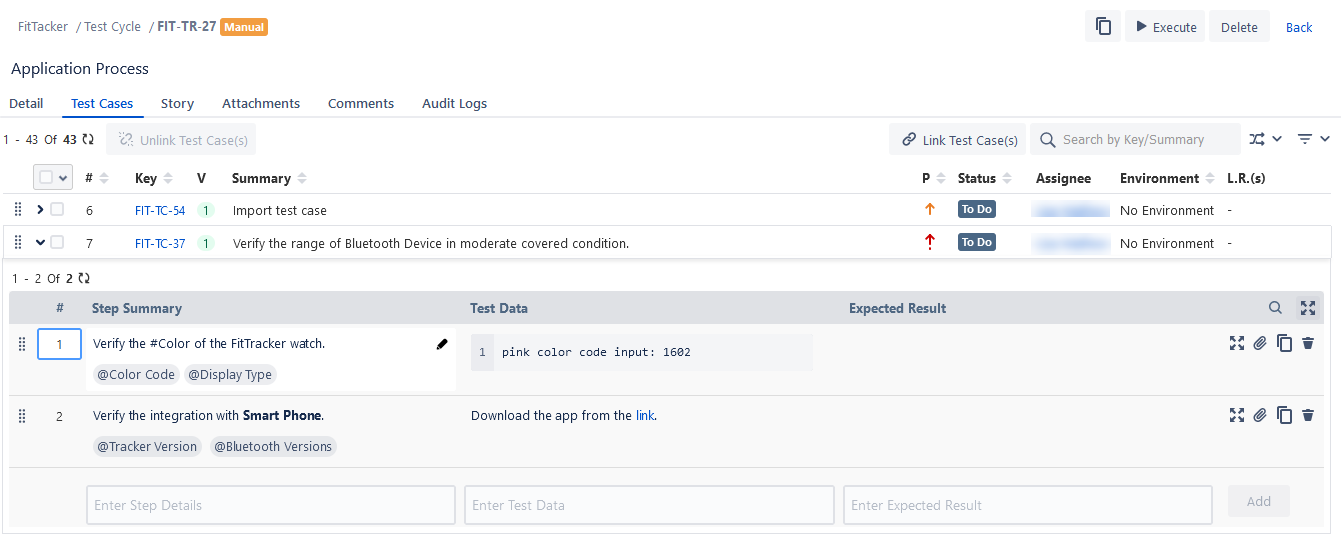
Edit Test Cases from Test Cycle
Sync Test Cases
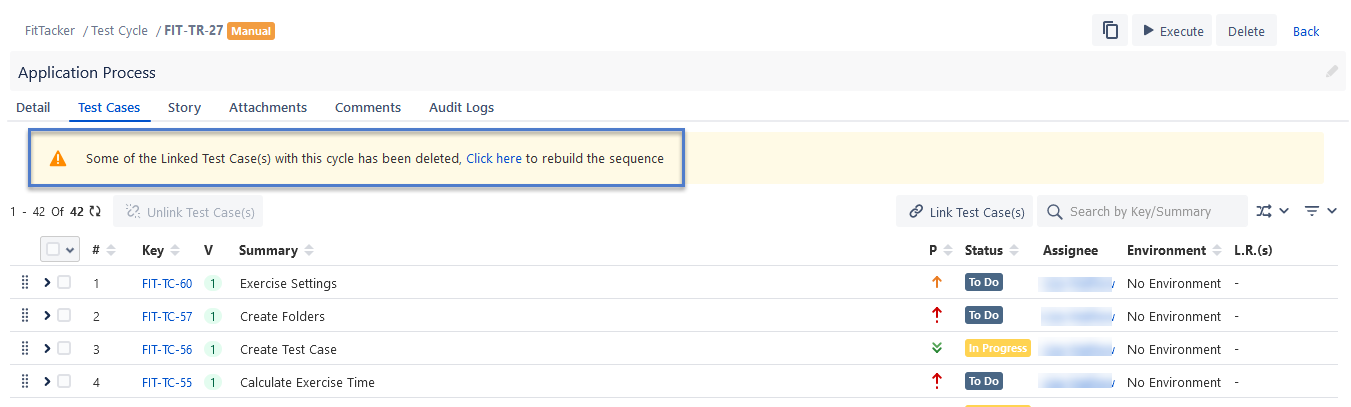
If some test cases linked to the current test cycle are deleted, the message to rebuild the sequence is displayed on the screen, as shown below.
Edit Test Cases Inline
You can edit the test case summary inline. Click the test case, the summary of which you want to edit, and make the required changes.
View/Add/Edit/Clone/Delete Test Steps Inline
You can add a new test step/edit an existing test step directly from Test Cycle > Test Cases tab. Expand the test cases under which you want to add/edit test steps. Add the required steps or edit the existing steps inline. The changes in steps are reflected in that particular version of the test case.