Share Reports
Users can share test reports through a shareable URL, allowing teammates to access and view the reports. The user who generates the report can copy the URL and share it with others. Recipients can paste the URL into their browser to view the report.
Pre-requisites:
To generate the reports, you must have the Report module permissions.
To view a shared report using the shared URL, you must be logged in to the same QTM4J server instance.
Viewing Shared Reports
The shared report appears based on the filters applied by the report creator.
Shared reports are read-only for users with whom they are shared and cannot be edited.
Shared reports can be exported to Excel.
Steps to Share Report URL
Perform the following steps to share the report URL:
Once you generate the report with the required filters on it, click the Share button to get its URL.
The Copy URL dialog appears.
Click Copy to copy the URL.
Once you copy the URL, the success message appears.
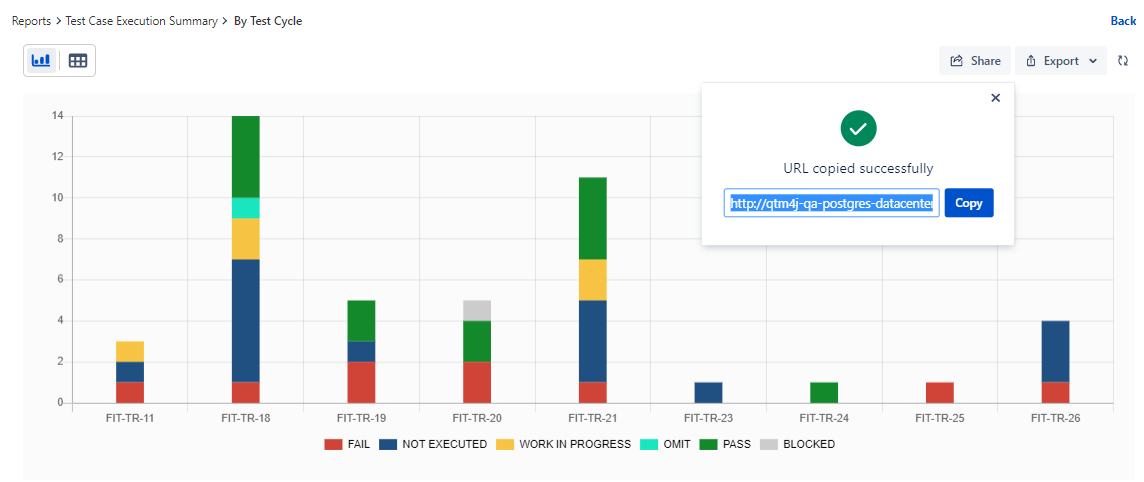
Now send this URL to other users whom you want to access the report.
Access Shared Report URL
Recipients of the report URL can paste the URL on the browser page and view the report.
Note
Users accessing the URL must be logged in to the same QTM4J server instance.
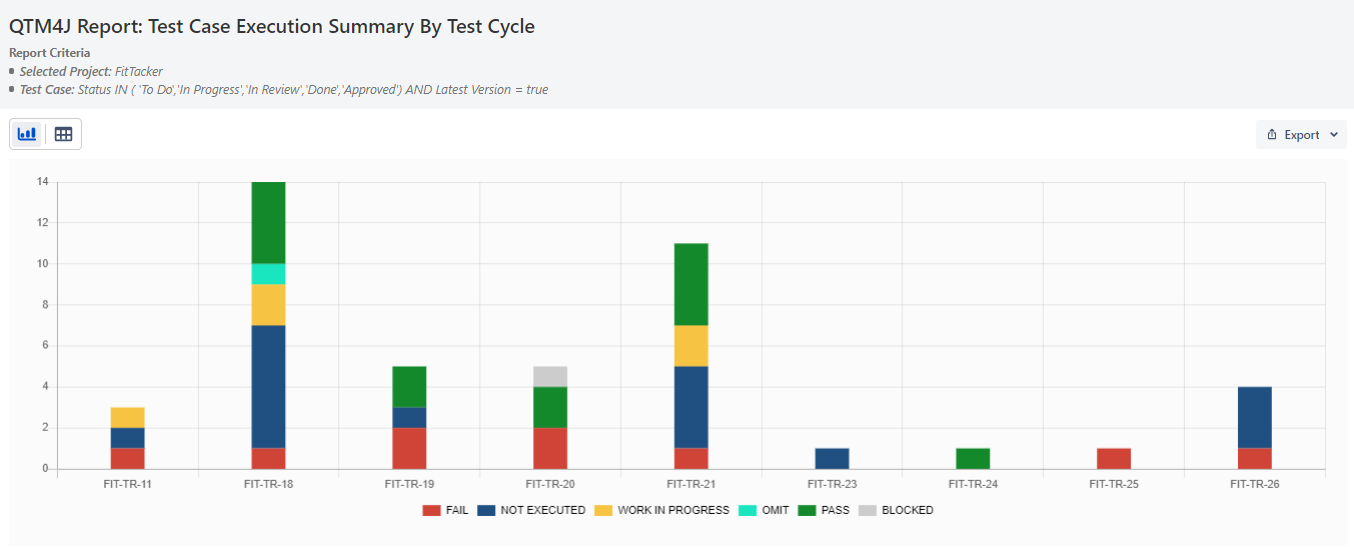
The shared report displays the project name and the report criteria or filters used to generate the report. Users can view the report in chart and tabular formats and can also export it to Excel.