Export Report
The exported report is in Excel sheets and can be used for sharing the reports.
You can drill down the report to view detailed information. You can also export the report details in an Excel file for further analysis or sharing.
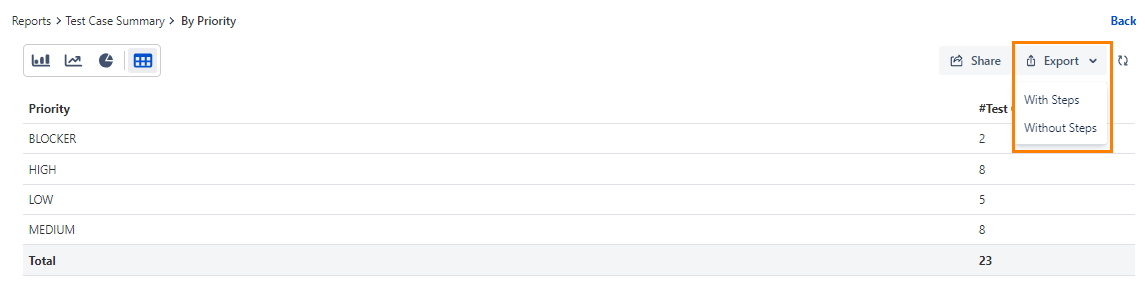
Click the Export drop-down and select one of the following options:
With steps: The exported report contains all Test Steps for all Test Cases in the selected Test Cycle.
Without steps: The exported report contains only the list of Test Cases in the selected Test Cycle.
Note
If the number of records in the report exceeds 1000, the report will not be downloaded directly. Instead, it will be sent to the registered email address.