QTM4J Confluence Integration
QTM4J Confluence Integration app provides the QMetry Assets and QMetry Chart macros for Confluence. The QMetry Assets macro lets teams display test assets from QMetry Test Management for Jira, including test cases, test cycles, and test plans, directly on Confluence pages. You can control which issues appear and customize the display.
By surfacing test information in Confluence, teams gain visibility into ongoing work, track related issues more efficiently, and reduce the need for manual status updates across teams.
The app eliminates the need to switch between Confluence and Jira. For example, when a QA Manager prepares a test report, they can view test assets from QMetry Test Management for Jira directly within the Confluence page. By inserting the QMetry Assets and QMetry Chart macros, they can present up-to-date testing information and provide management with clear visibility into the current state of testing activities.
Note
Pre-requisites:
Admin rights for both Jira and Confluence applications
“View” and “Create” permissions for Test Case, Test Cycle, and Test Plan on the QMetry Test Management for Jira instance
Benefits of App
QTM4J Confluence Integration app offers you a seamless way to integrate your QMetry Test Management for Jira with Confluence. The app allows the display of QMetry Test Management for Jira test cases, test cycle, and test plan on Confluence pages.
Users can -
Display a list of QMetry test assets in a tabular view for reporting.
Mention a single test asset with a hyperlink for direct reference on the page.
Create a test asset and display it on the same Confluence page without leaving the Confluence editor.
Embed QMetry Assets macro and QMetry Chart macro into a Confluence page to display dynamic content by applying filters on test assets of QMetry Test Management for Jira.
Integrate QMetry Reports into Confluence page using the QMetry Chart macro.
Install QTM4J Confluence Integration App
You can install the QTM4J Confluence Integration app through either of the following ways:
Installing through Atlassian Marketplace
Installing through Confluence
Installing Through Atlassian Marketplace
Perform the following steps to install the app:
Go to the QTM4J Confluence Integration app page .
Select Data Center from the Hosting Options and click the Get it now button.
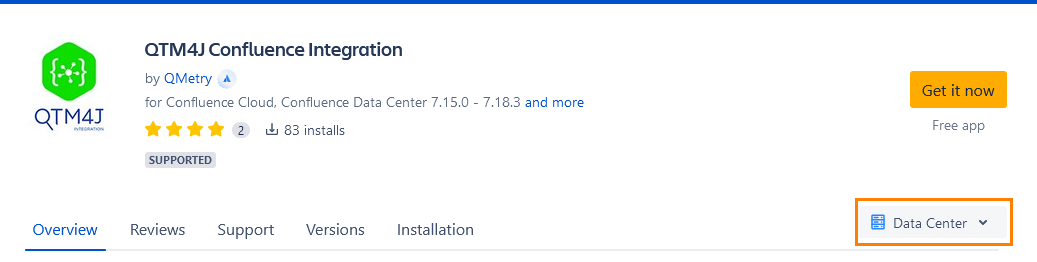
The Select your hosting type dialog appears, highlighting the selected hosting type.
Click the Get it now button for the Data Center hosting type.
The QTM4JConfluenceIntegration JAR file is downloaded to your system.
Now log in to Confluence with admin credentials.
Go to Administration and select General Configuration.
Select Manage apps on the navigation bar.
Click the Upload app link on the page.
Browse the downloaded JAR file and click the Upload button.
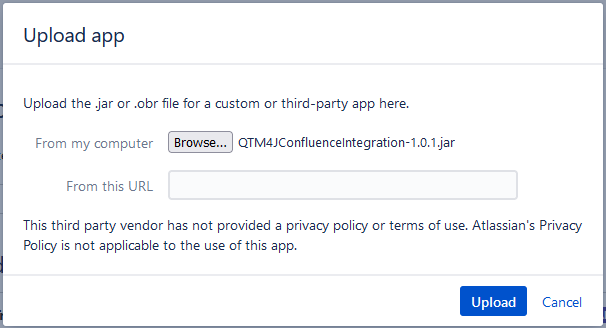
The installation process starts.
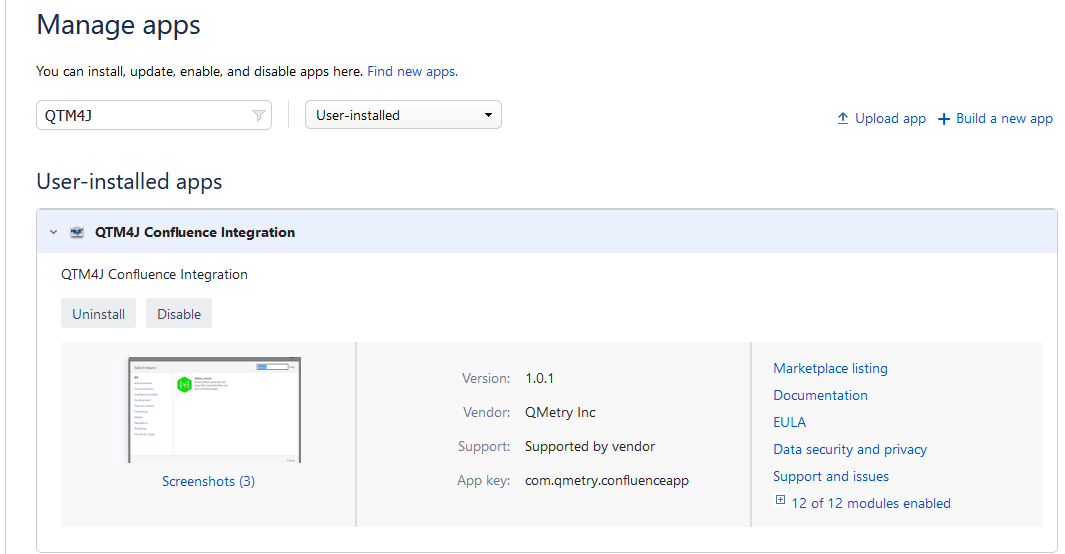
After the installation is complete, a success message appears. You can view the app under the Manage apps section.
Installing Through Confluence
Perform the following steps to install the app:
Note
Pre-condition: Users should have admin rights for the Confluence instance.
Log in to Confluence with admin credentials.
Go to Administration > General Configuration.
Select Find new apps on the navigation bar.
Search for “QTM4J”. The QTM4J Confluence Integration app is listed. Click to open the app page.
Click the Install button for the app.
The confirmation screen appears. Click the Accept & install button to proceed with installation.
Once the installation is complete, you can see the install under the Manage app section.
Configure QTM4J Application Link with Confluence
Create an application link to integrate Confluence with QTM4J. This link enables the exchange of information, resources, and functionality between the two applications.
Permissions required: You must have administrator permissions for both the Confluence and Jira instances.
Perform the following steps to configure the QTM4J application link:
Open the Administration menu and open General configuration.
Then click the Application Links on the navigation bar.
The Confluence administration screen appears.
Click the Create Link button.

The Create Link dialog appears.
Select Atlassian Product as the Application type and click the Continue button.
The Create Link dialog appears.
Click the Continue button to proceed.
The system redirects you to the QTM4J instance linked in Confluence.
Enter the Administrator password to validate your credentials in QTM4J.
After you log in to Jira, the integrated Confluence instance appears in the list.
The system then redirects you back to Confluence.
You can see that the link configuration is in progress.
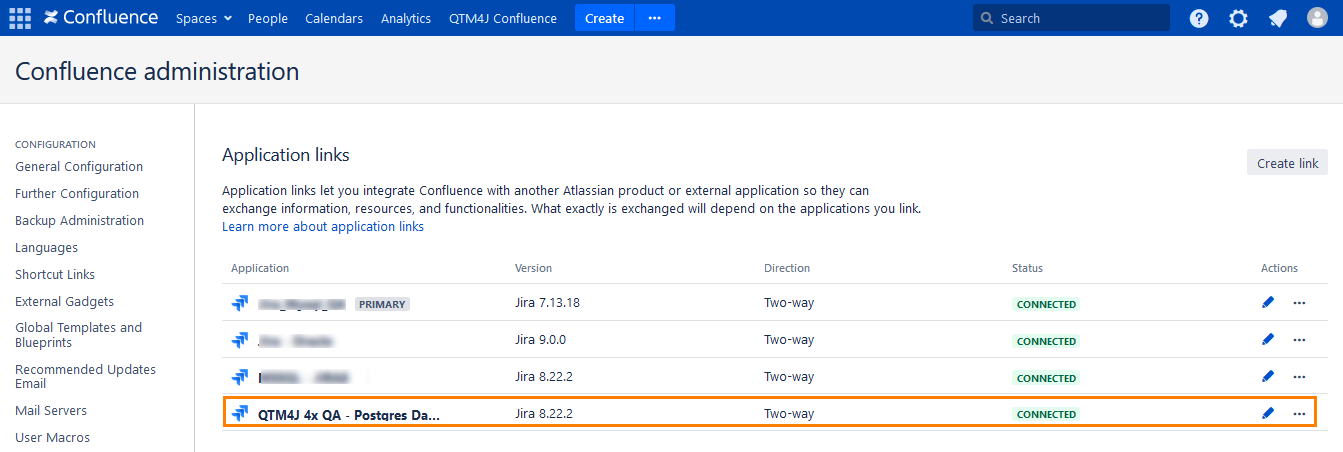
The QTM4J application link is configured in Confluence, and a two-way connection is established.
You can now view data from the linked QTM4J application in Confluence.