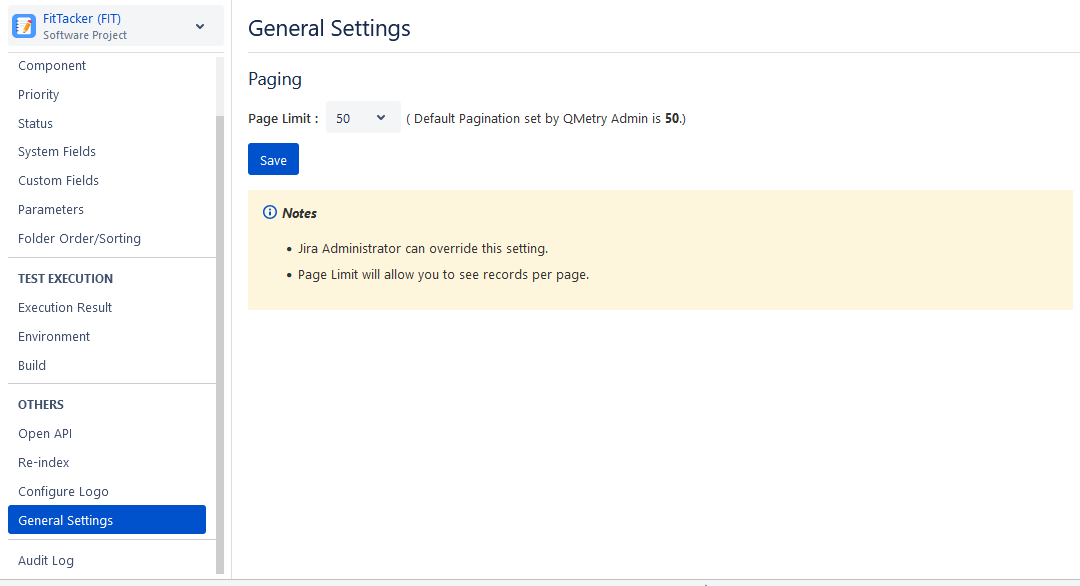
General Settings
Individual users can set the pagination limits at their profile level. They can choose to override the Admin's settings in Global Settings. Refer to QTM4J Global Settings.
Note
The Jira Administrator can overwrite the Pagination Settings.
Perform the following steps to configure general settings:
Go to Configuration and select General Settings.
Page Limit: Customize the maximum number of records that can be displayed per page in the grid or restrict the total number of records to be displayed on one page by setting the value of Page Limit. The Pagination Limit can be between 10 and 100.
Click Save to save the settings.