Generate API Key
The API key is used to authenticate and execute the API. It is unique to a particular user and project.
You can use this API key to run automation.
Steps to Generate an API Key
Click the QMetry menu and select Automation.
Select the Jira project in which you want to publish or import the automation test results.
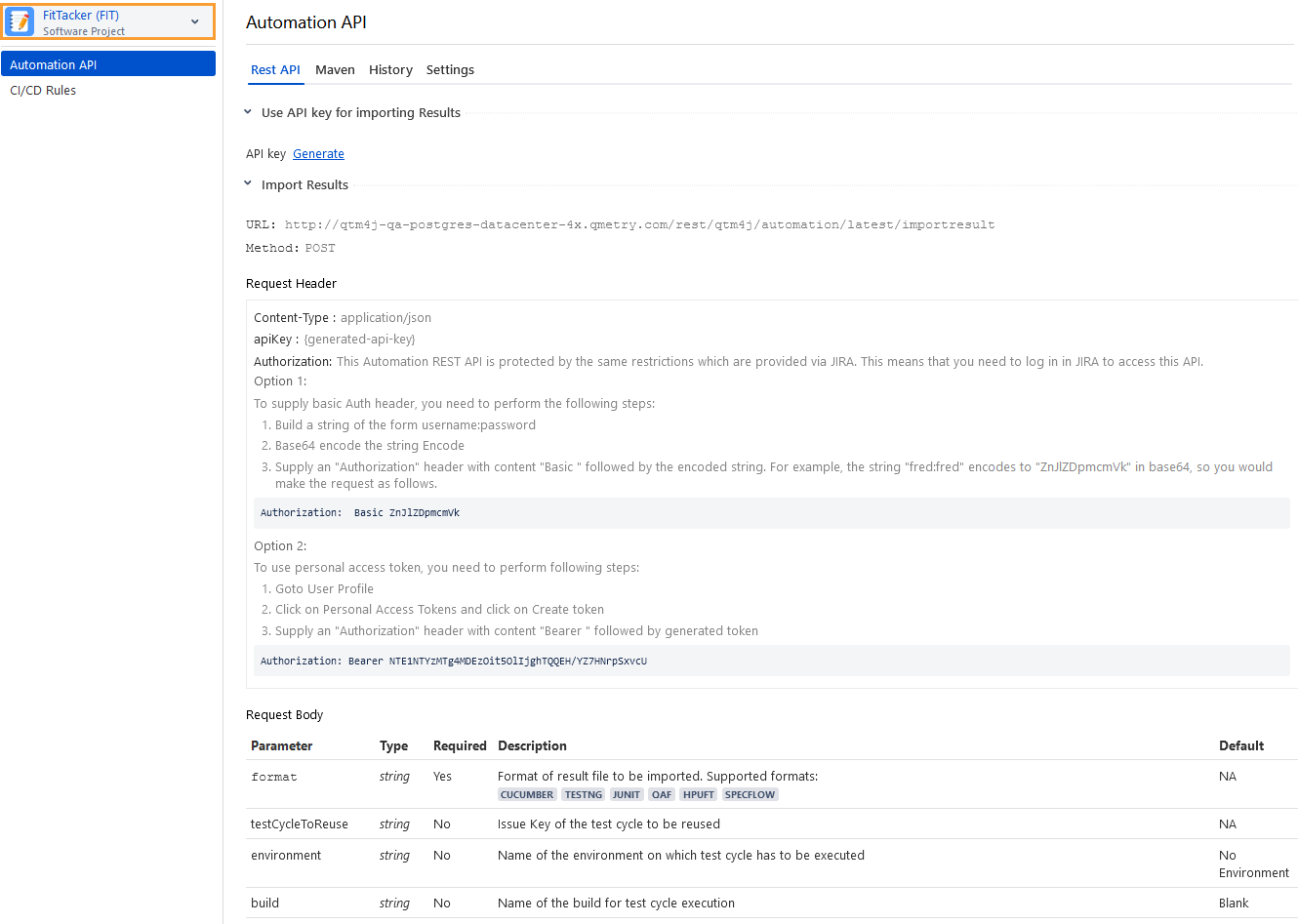
Select Automation API and select the Rest API tab.
Click Generate to get your unique Automation API key for authentication.
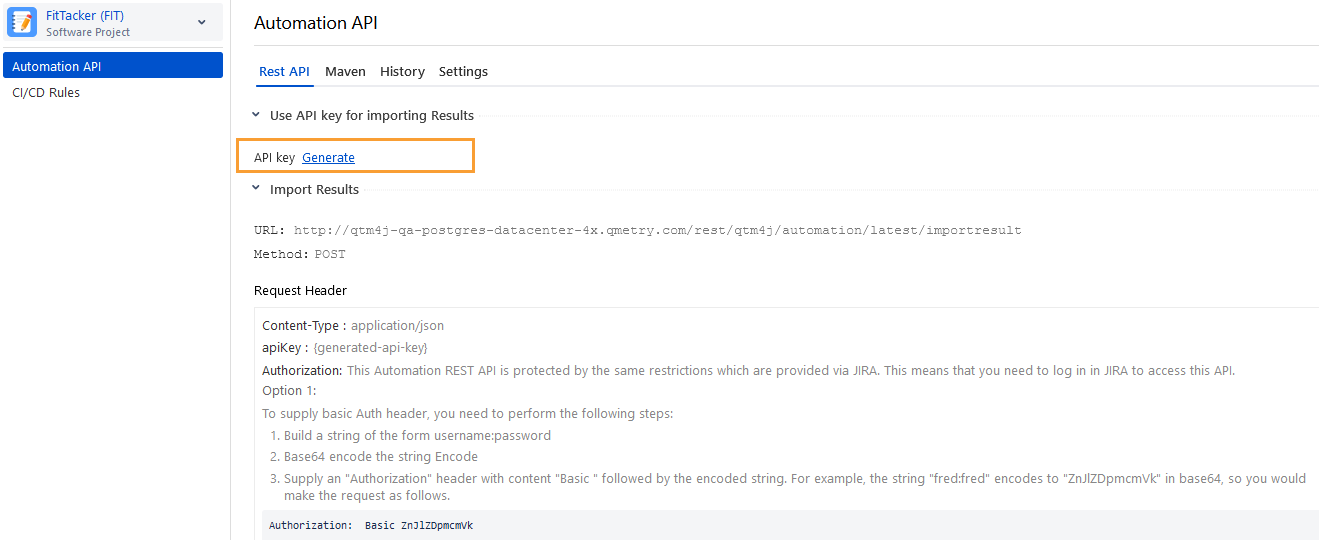
To copy the generated API Key, click Copy.
To reset the existing key, regenerate the API key by clicking the icon adjacent to the current API Key.
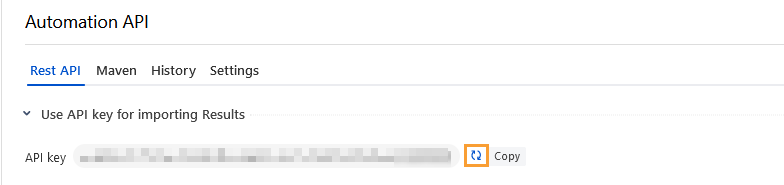
Where to find the already generated Automation API key
Perform the following steps to find the generated Automation API Key:
Click the QMetry menu, select Automation, and select Automation API.
Select the Rest API tab.
Click Copy to copy the generated API key.