QMetry Section View in Scrum and Kanban Boards
This document describes how the QMetry Sections appear on Scrum and Kanban boards in Jira.
When the Independent Panel for Each Section setting is enabled under Display View of QMetry Sections, icons for individual QMetry Sections are displayed in the navigation panel.
You can click each icon to expand and view the corresponding QMetry section.
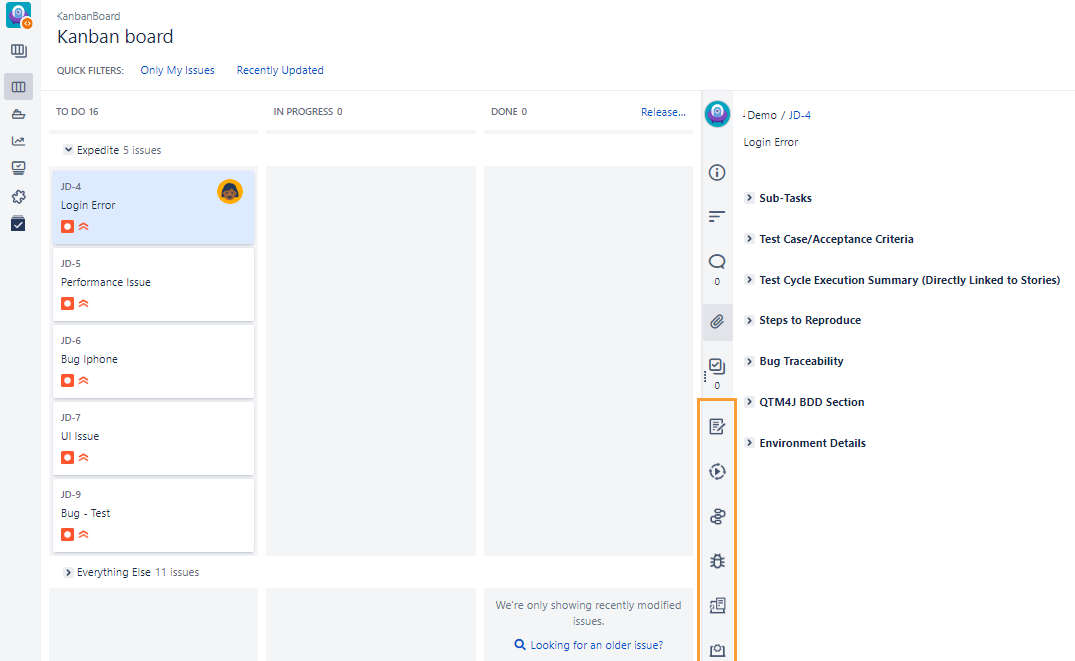
The following table lists the icons and their associated sections.
Icon | QMetry Section Name |
|---|---|
| Test Case Acceptance Criteria |
| Test Cycle Execution Summary (Directly Linked to Stories) |
| Steps to Reproduce |
| Environment Details |
| Bug Traceability |
 | QTM4J BDD Section |


When the Stack All Panels in Single Section setting is enabled under the Display View of QMetry Sections.
Only one icon for QMetry Sections is displayed on the navigation panel.
Click the QMetry Sections icon to view QMetry sections stacked in a single panel.
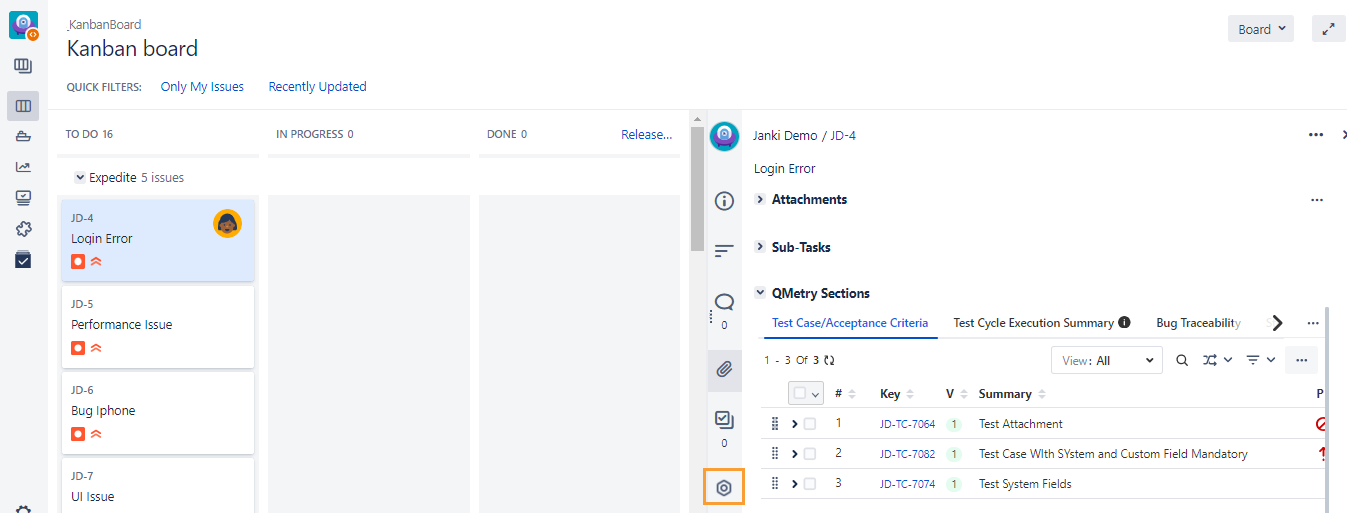
The following table denotes the icon for QMetry Sections.
Icon | Section Name |
| QMetry Sections |
