Comments and Attachments in Test Plan
Open the Test Plan in which you want to add Comments and Attachments.
Comments
Adding comments to a Test Plan is a useful way to record additional detail about a Test Plan, and collaborate with your team members. The Wiki markup editor is provided to enter comments with different text formats.
Comments are shown in the Comments tab on the details page when you view a Test Plan.
Open the Comments tab.
A. Add Comments
1. Go to the Test Plan details page and open the Comments tab.
2. You can see the text box at the bottom of the screen. Start typing your comment in it.
Note: Administrators can configure the maximum file size for attachments and in-line images. By default, the system allows a file size of up to 50 MB. Refer to Storage Configuration for more information.
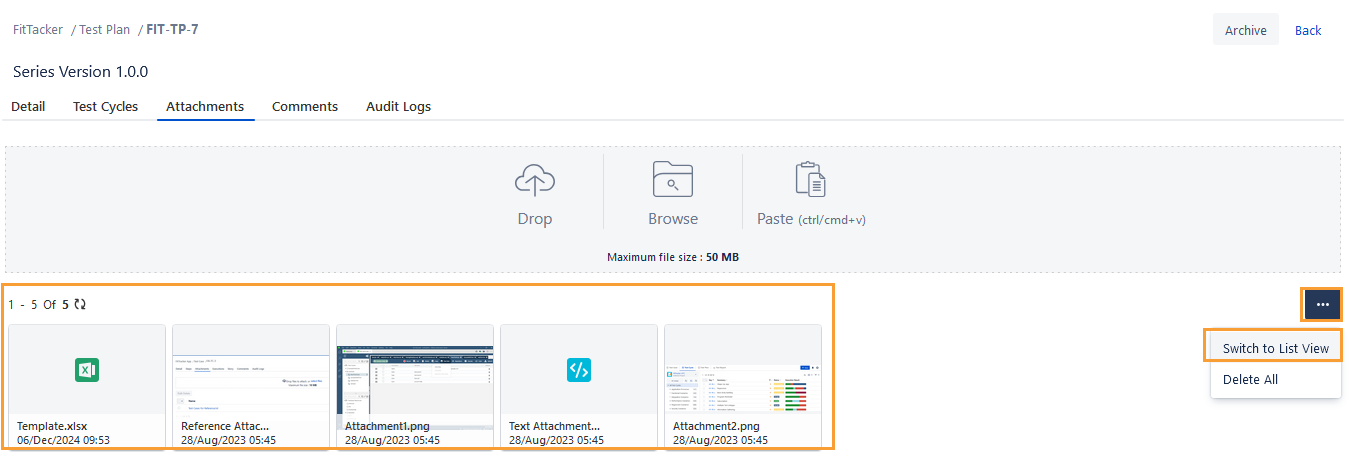
You can attach the file in any of the following ways:
Drag and drop the file to attach
Browse the file to attach
Copy and paste the file to attach
 |