Link Jira Story/Issue to Existing Test Cases
Users can link existing test cases directly with the stories in Jira. Test Cases from cross-projects can also be linked to the stories.
Note: While linking existing test cases from the Jira Story page, it is recommended to keep the Page Limit (Configuration > General Settings) maximum up to 50.
Steps
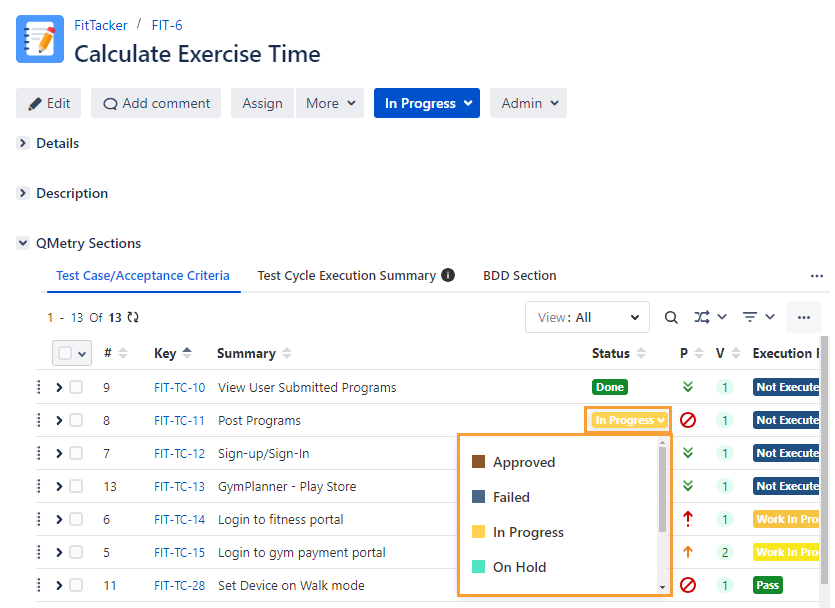
1. Open a Jira issue detail page. If QMetry for Jira Add-on is configured with Jira, you should see the Test Case/Acceptance Criteria panel.
2. To link existing test cases to the story in Jira, click on the ellipsis (...) icon on the Test Case/Acceptance Criteria section and select (A) Link Existing Test Cases.
If there is not a single test case linked to the story, you can also view the (B) Link Existing Test Cases link below the No Test Cases text.
 |
View/Add/Edit/Clone/Delete Test Steps from Jira Story
Refer to Edit Test Cases from Jira Story